
Clockproof: Time Card & Hours
Keep your own record of every shift
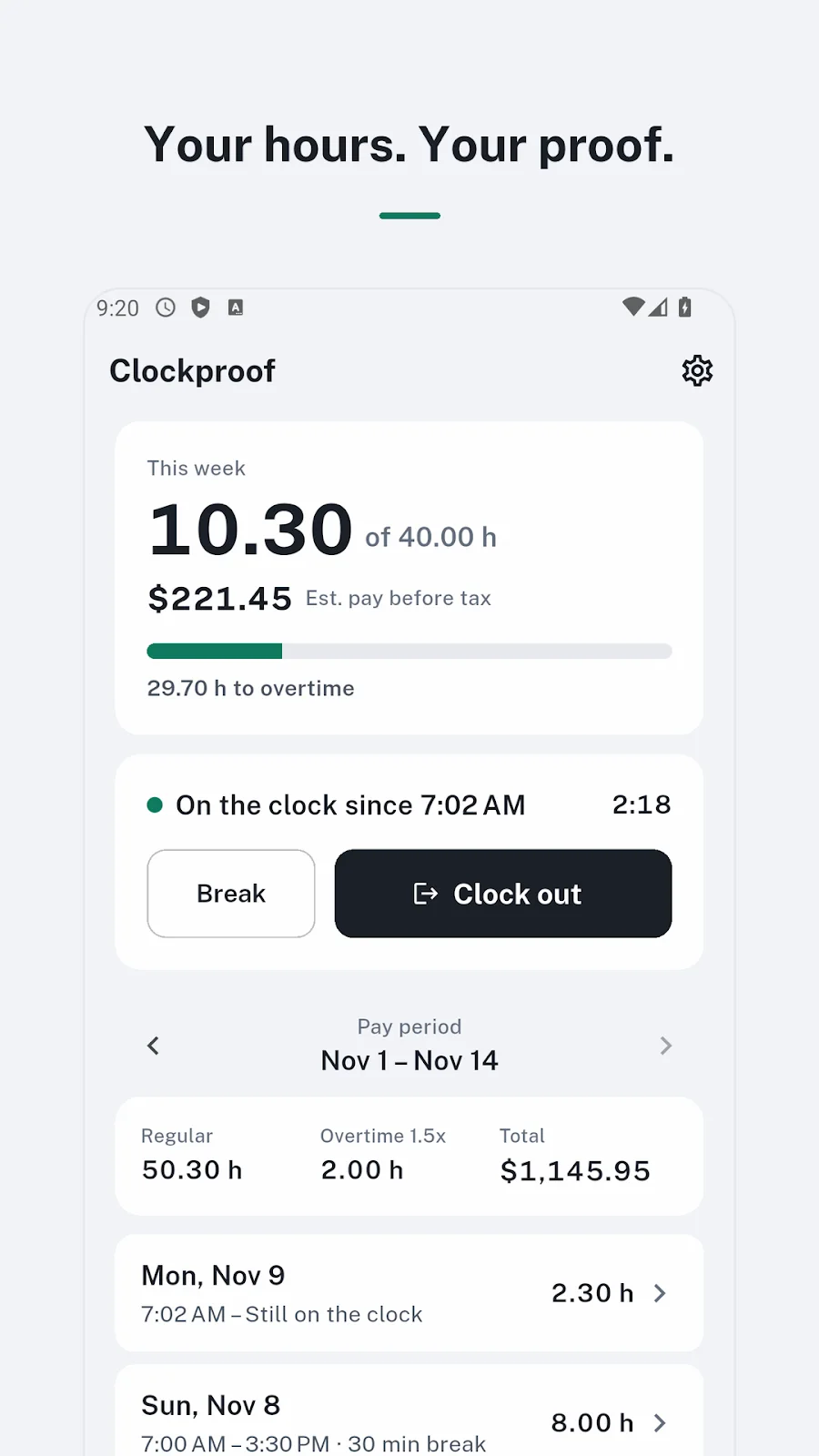
Clockproof is a personal time card for US hourly workers to record shifts and breaks. Clock in from a widget or notification, review hours and estimated pre-tax pay under your selected overtime rules, and export a pay period as PDF or CSV.
- Android
- Free to download
- No ads
What you can do
Who it is for
For US hourly workers who want their own shift records to compare with a pay stub.
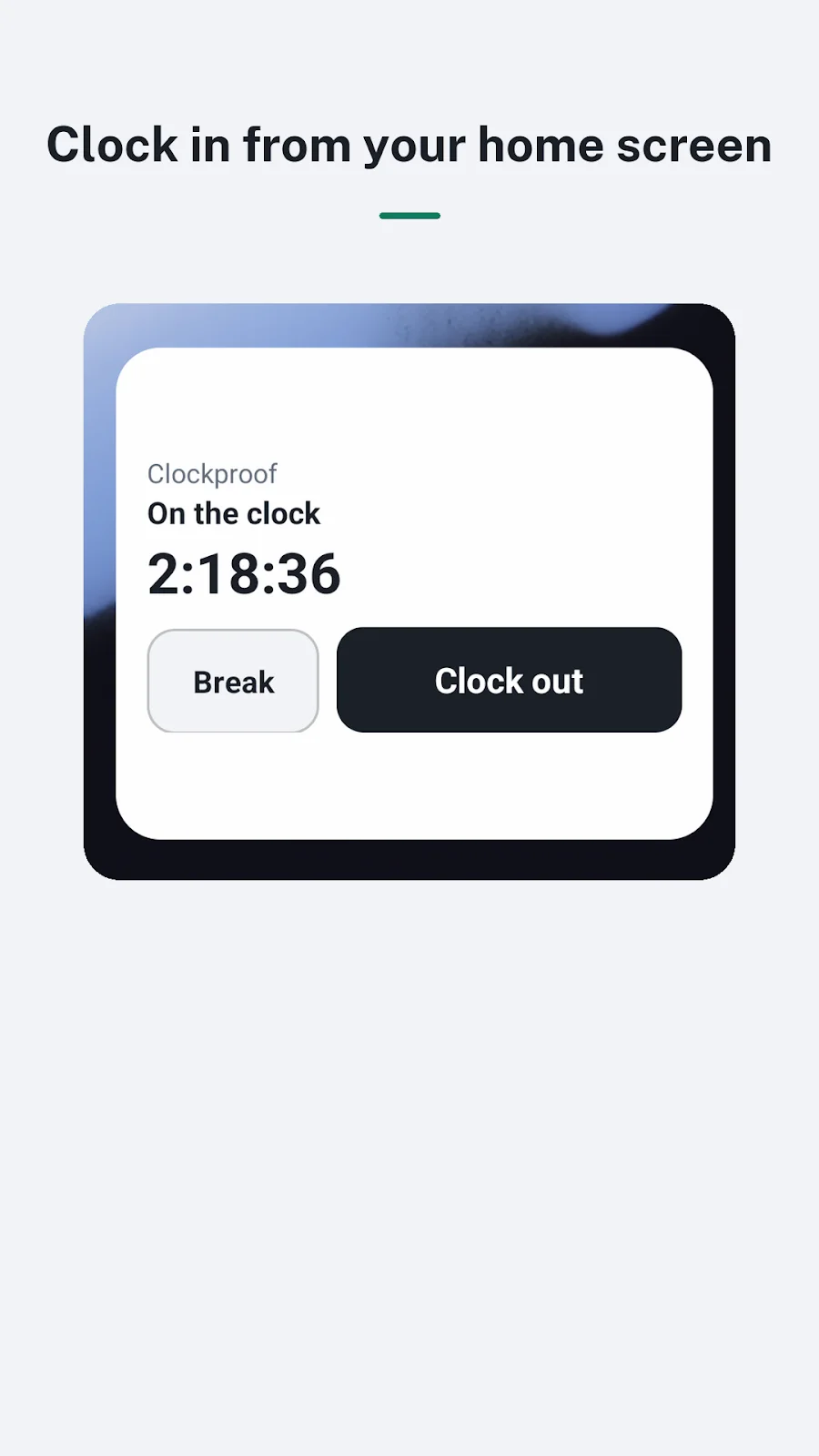
Clock in from your home screen
Clock in from a home screen widget, then start a break or clock out from the notification. The app, widget and notification show the same shift.
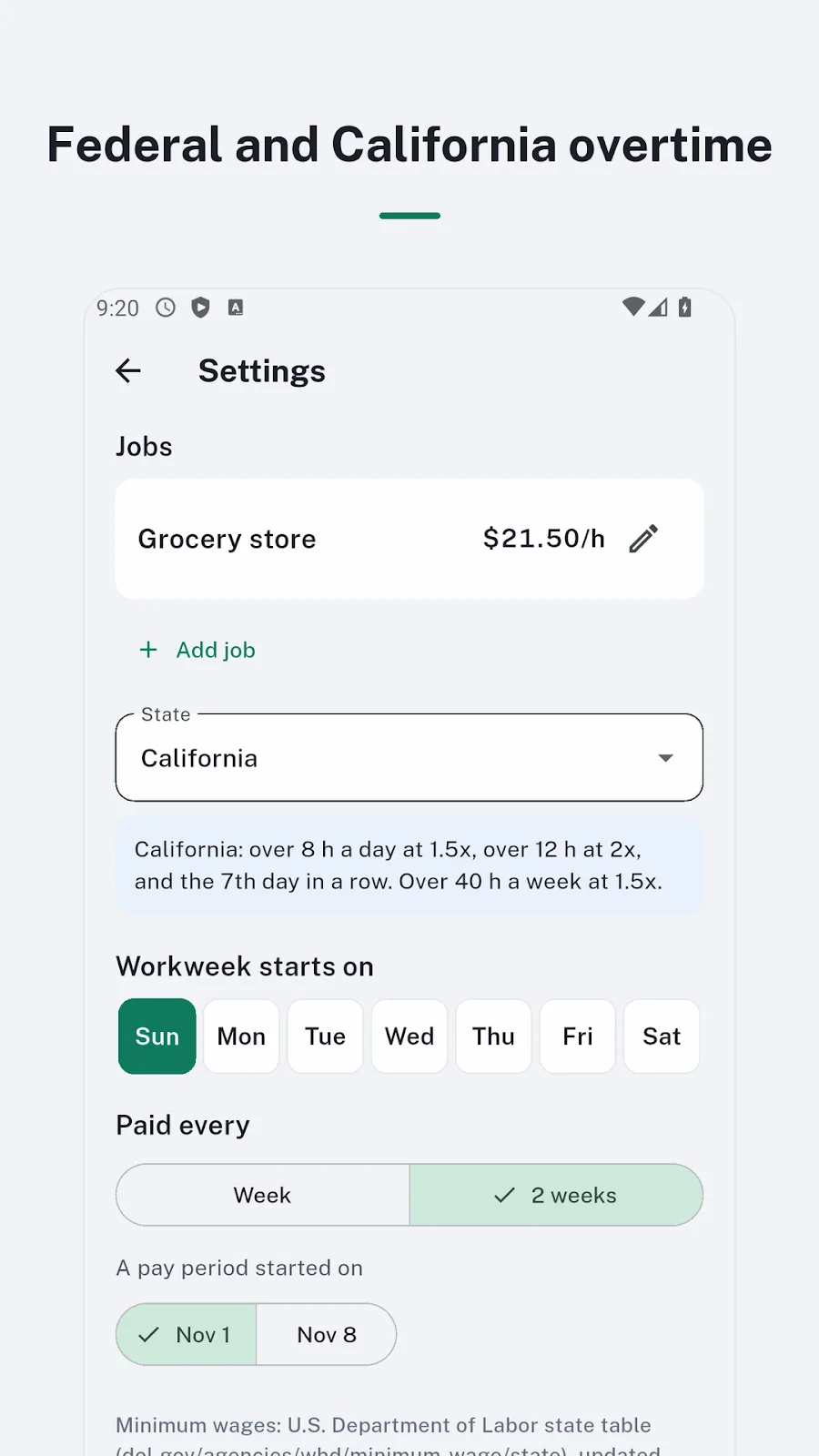
Estimates for your workweek
Set the workweek start day and weekly or biweekly pay periods. Review hours using federal, California, Minnesota or custom overtime settings.
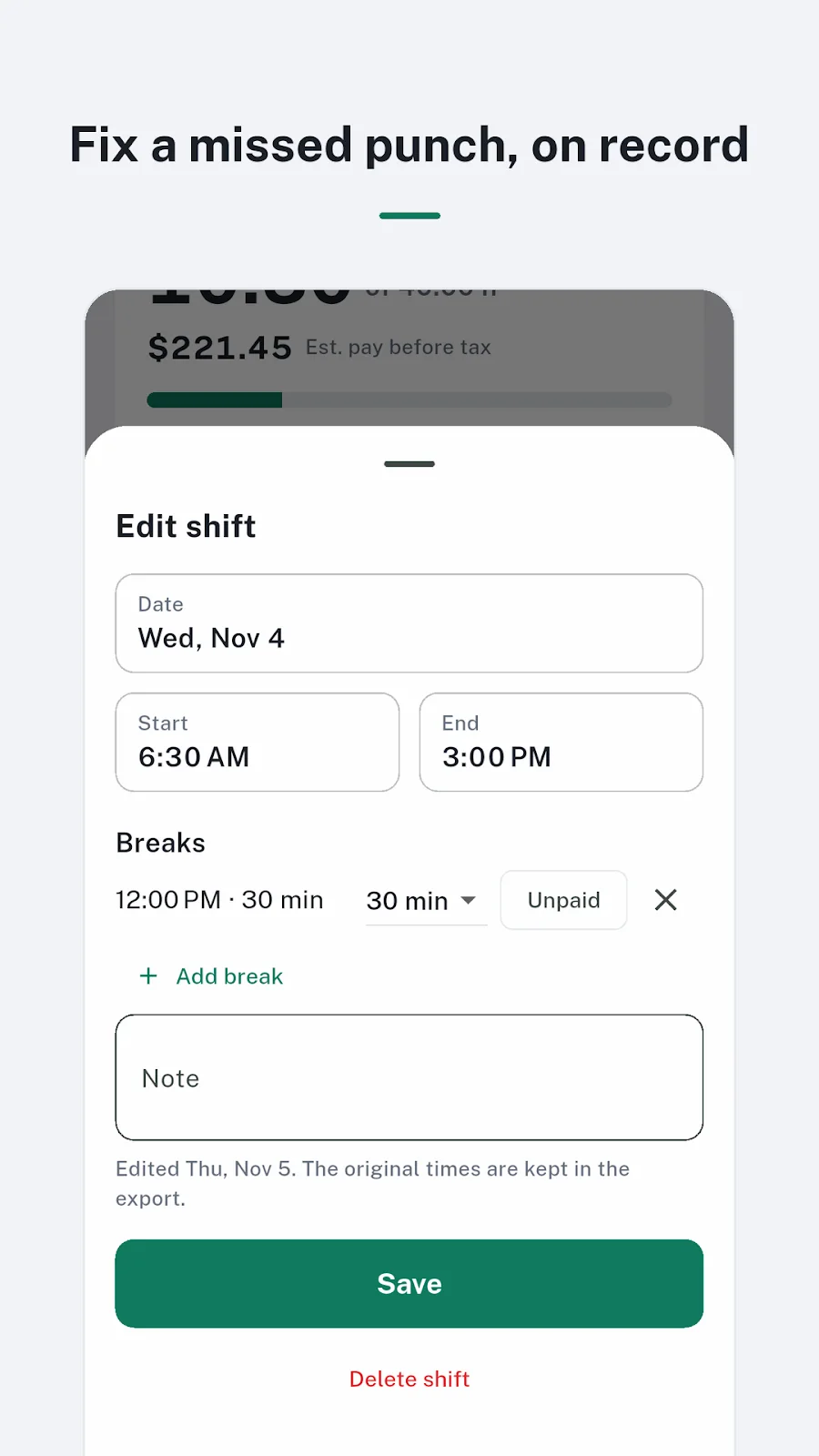
Export a record with edits visible
Correct missed punches with edited shifts marked and original times retained in the export. Create a PDF time card or CSV for a spreadsheet.
Inside the app
Actual app screens published on Google Play.
Getting started
Set up your workweek
Check your hourly rate, workweek start day, pay period and overtime rule settings.
Record shifts and breaks
Use the app, widget or notification to record work, and correct missed punches when needed.
Review and export a pay period
Review weekly hours and estimated pay, then export a PDF or CSV to compare with your pay stub.
Before you install
- Developer
- Blackcow Soft
- Purpose
- Personal time card for US hourly workers
- Exports
- PDF · CSV by pay period
- Accounts and ads
- No sign-up or ads
- App languages
- English · Spanish
- Published version
- 1.0.0
- Store update
Questions, answered
Can I clock in without opening the app?
Yes. Clock in from the home screen widget and start a break or clock out from the notification.
What if I miss a punch?
You can edit a shift. Edited shifts are marked, and the original times remain in the export.
Can it handle shifts across midnight?
Yes. Hours from a shift crossing midnight are split onto the appropriate days.
Is the pay shown my final paycheck?
No. It is an estimate before taxes and deductions. Settings and actual working conditions can make your pay stub differ; the app does not provide legal advice.
See if it fits your next project or play break.
Check Google Play for supported devices and the latest release availability.


