Olol Rows: Knitting Counter
Pick up where your knitting left off
Olol Rows is an offline knitting and crochet notebook with PDF and image patterns, separate part counters and instructions for the next row. Keep your reading position, notes and optional photos on your device, and back up records, photos and patterns in a ZIP file.
- Android
- Free to download
- No ads
What you can do
Who it is for
For knitters and crocheters who count body and sleeve rows separately or want to check their progress after a break.
Each part, ready for its next row
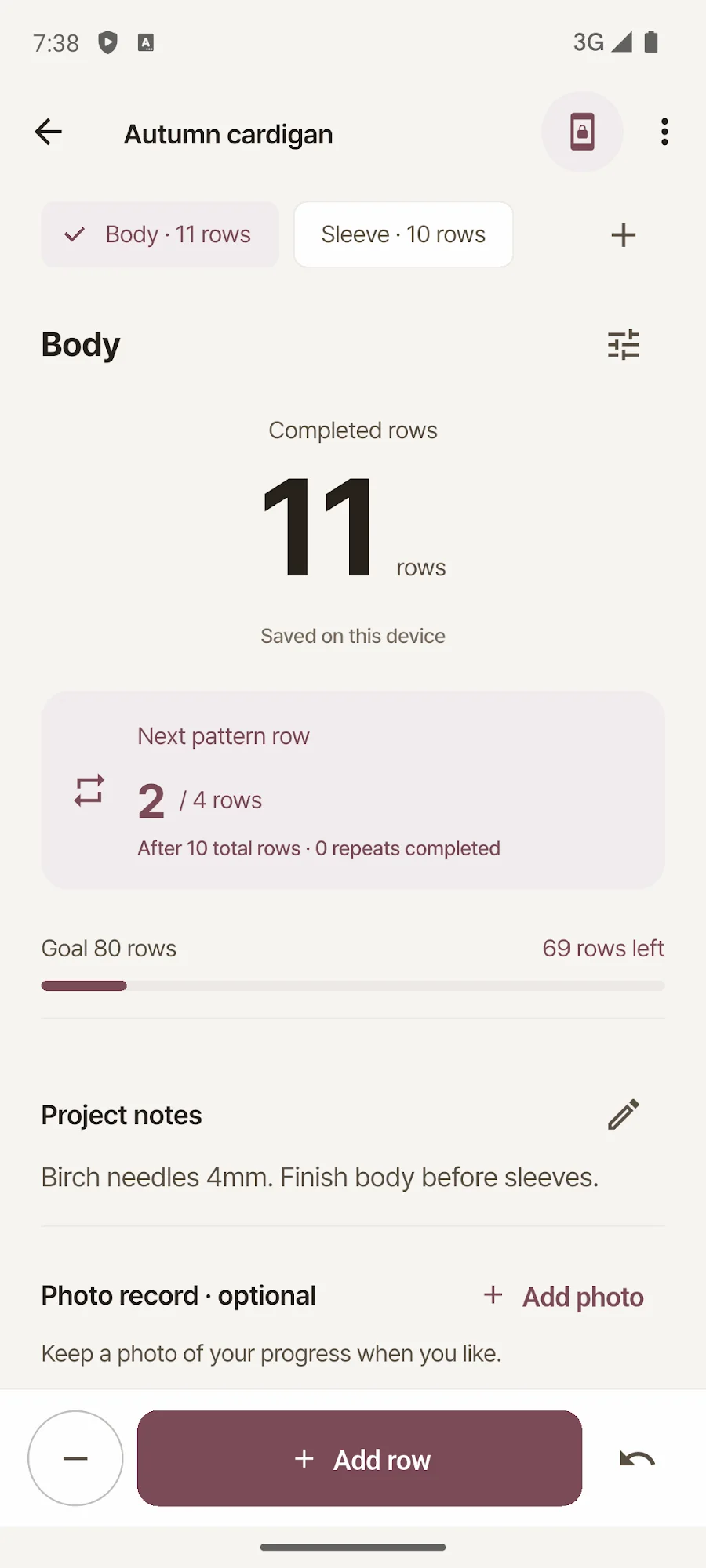
Count rows and repeats separately for the body, sleeves or ribbing. Add one-off or repeating instructions for increases, decreases or other work, and see what comes next based on completed rows. Undo an accidental count.
Your pattern beside the counter
Count alongside a PDF or image pattern. Use landscape, Focus and Fit width, then resume each part and page with its saved zoom, reading position and manual guide. The original file stays unchanged.
Photos with their row count
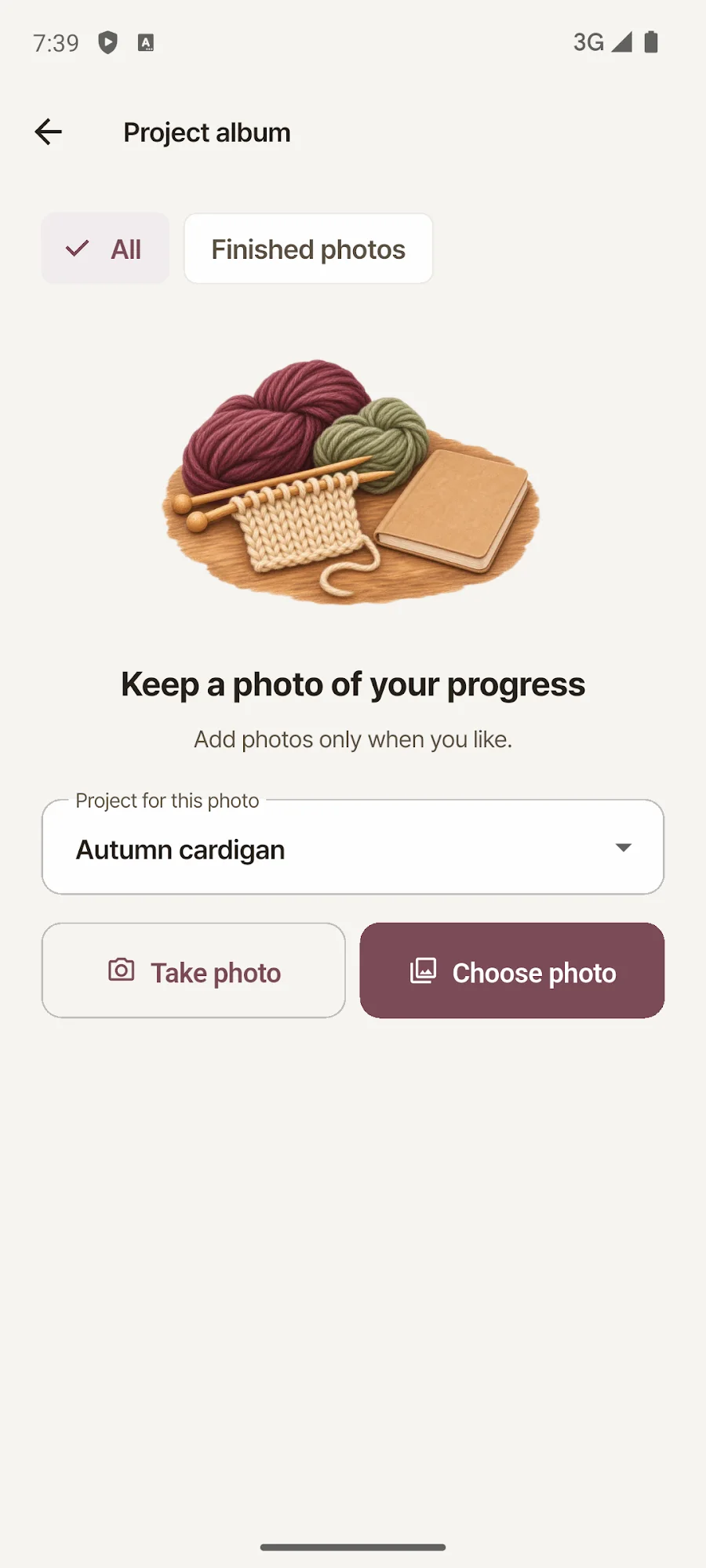
Take or choose a photo to keep the part and row count from that moment, and collect finished photos in an album. Photos are optional; the pattern viewer and counter work without them.
A ZIP backup that includes your patterns
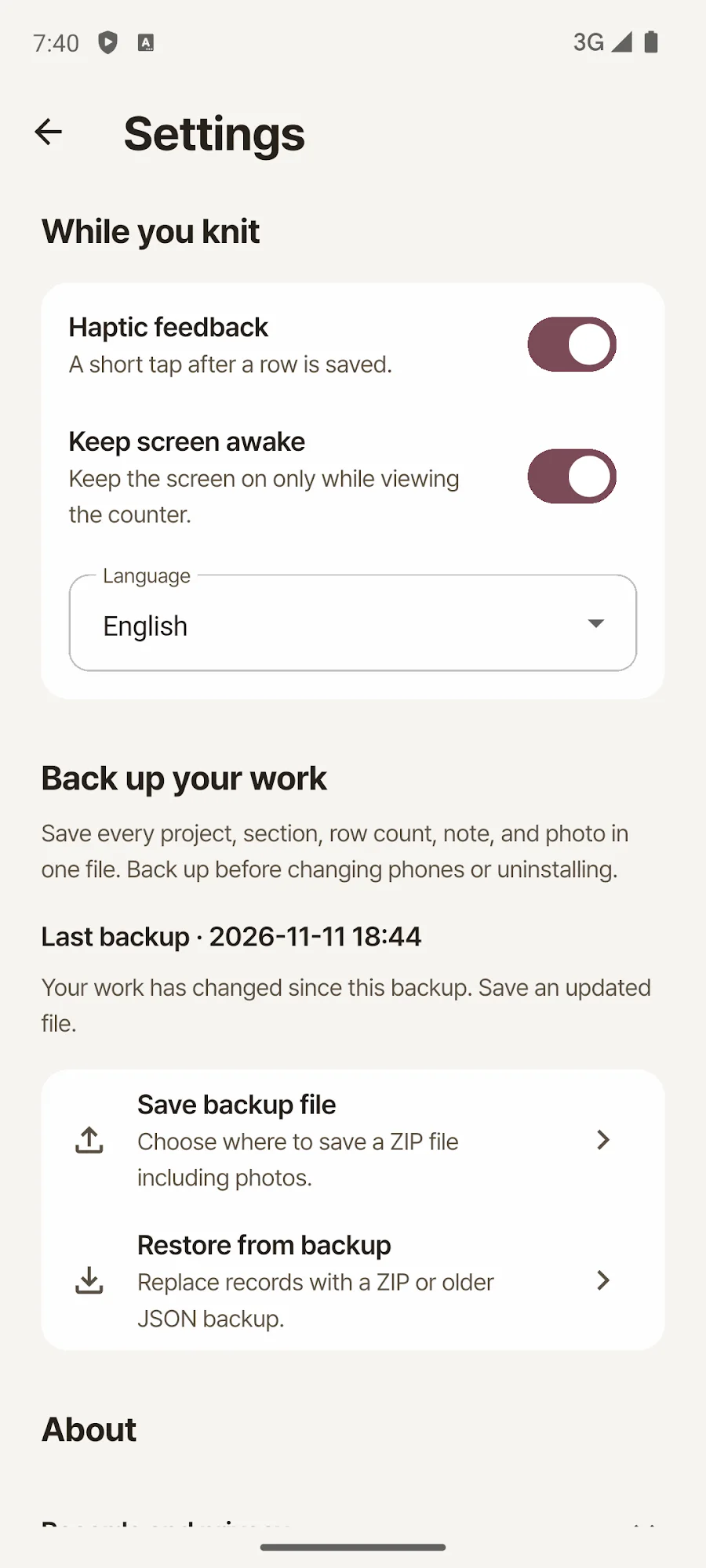
Export and restore projects, part counters, row instructions, notes, photos and attached patterns together. The backup also includes your saved pattern reading position. No account or subscription is needed.
Inside the app
Actual app screens published on Google Play.
Getting started
Start counting or create a project
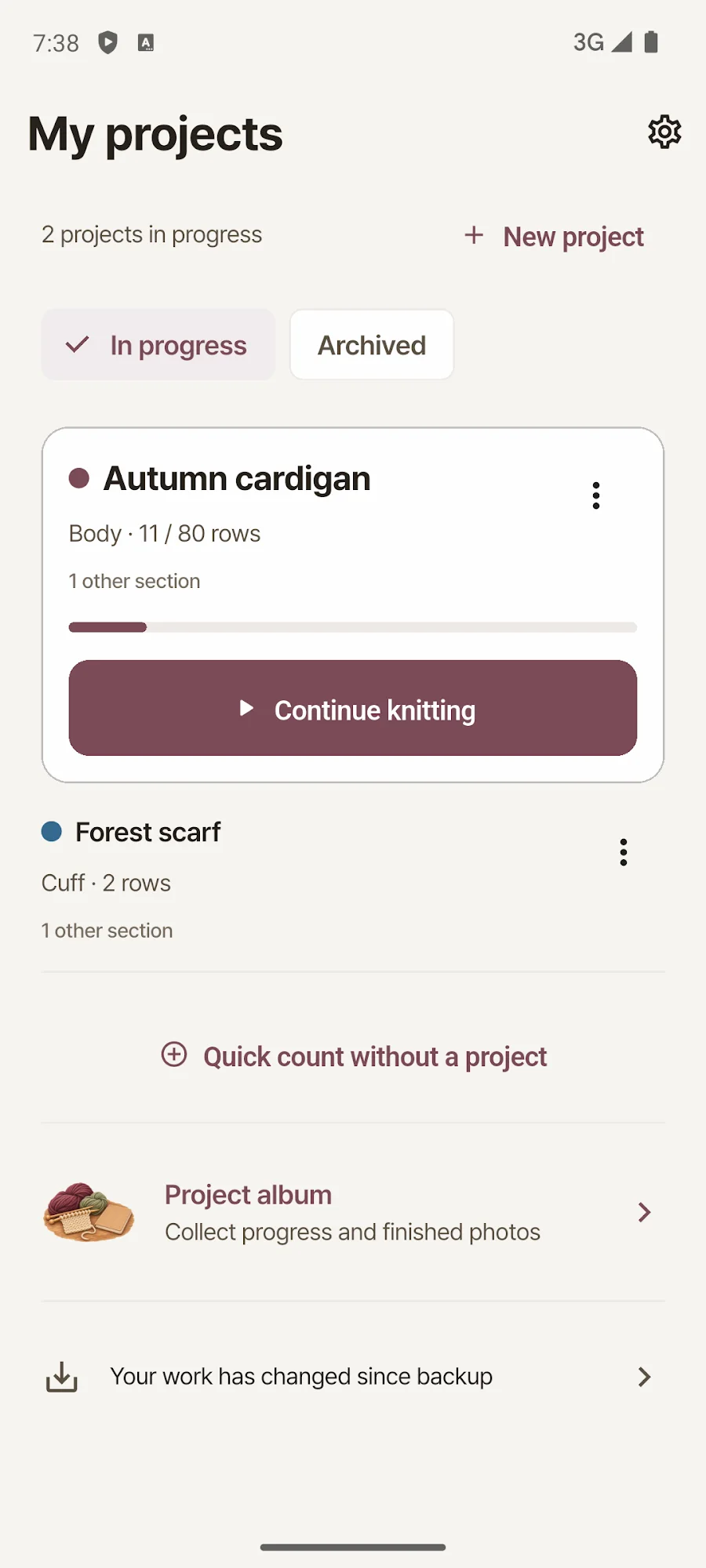
Begin with Quick count or create a project and its parts. You can name a quick count and turn it into a project later.
Read your pattern and next instruction
Optionally attach a PDF or image pattern and add row instructions. Advance the counter as you work and check the next pattern row or instruction.
Keep photos and a backup
Add photos and notes when useful, then export a ZIP backup including your photos and patterns before changing devices or uninstalling the app.
Before you install
- Developer
- Blackcow Soft
- Purpose
- Row counting · row instructions · PDF and image patterns
- Connection and storage
- Offline use · on-device records
- Access
- No account, ads or subscription
- App languages
- Korean · English
- Published version
- 1.5.1
- Store update
Questions, answered
When does a row instruction appear?
The counter shows completed rows. After completing row 11, you see instructions registered for row 12. Each part can have one-off or repeating instructions. The app does not send push notifications or advance rows automatically.
Can I count while reading a PDF pattern?
Yes. Attach a PDF or image through the Android file picker and count on the same screen. Reading position and a manual guide are saved. The app does not recognize instructions automatically or annotate the original file.
How do I move my work to another phone?
Export a ZIP backup of project records, photos and patterns on the old device, then restore it on the new one. Row instructions and saved reading positions are included. There is no automatic cloud synchronization.
Do I need an account or internet connection?
Counting, row instructions, pattern viewing and photo records work offline without an account. Records and files stay on your device and are not uploaded automatically.
See if it fits your next project or play break.
Check Google Play for supported devices and the latest release availability.


