HWP to PDF Converter
Convert Korean documents to PDF
HWP to PDF Converter turns HWP and HWPX Korean documents into PDF on Android. Select a document without installing Hancom Office, then download or share the converted PDF.
- Android
- Free to download
- Contains ads
- In-app purchases
What you can do
Who it is for
For people who receive HWP or HWPX documents and need a PDF to submit or share from their phone without a PC.
HWP and HWPX input
Choose either Korean document format and convert it to PDF without a separate Hancom Office installation.
Conversion for structured documents
The converter focuses on document structures such as tables, shapes, images and multiple columns. Results can vary with the source structure and environment.
Download and share the PDF
Once conversion finishes, download the PDF or share it with another app for submission or delivery.
Inside the app
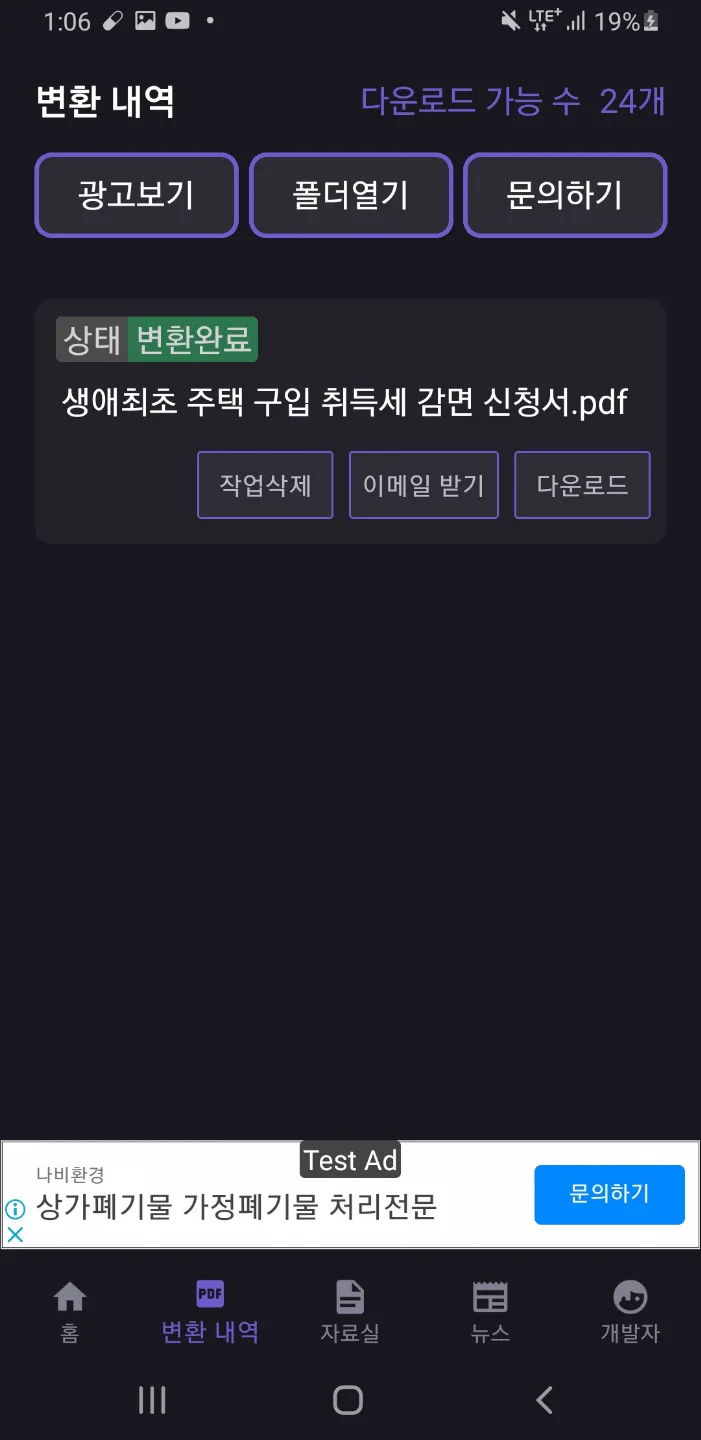
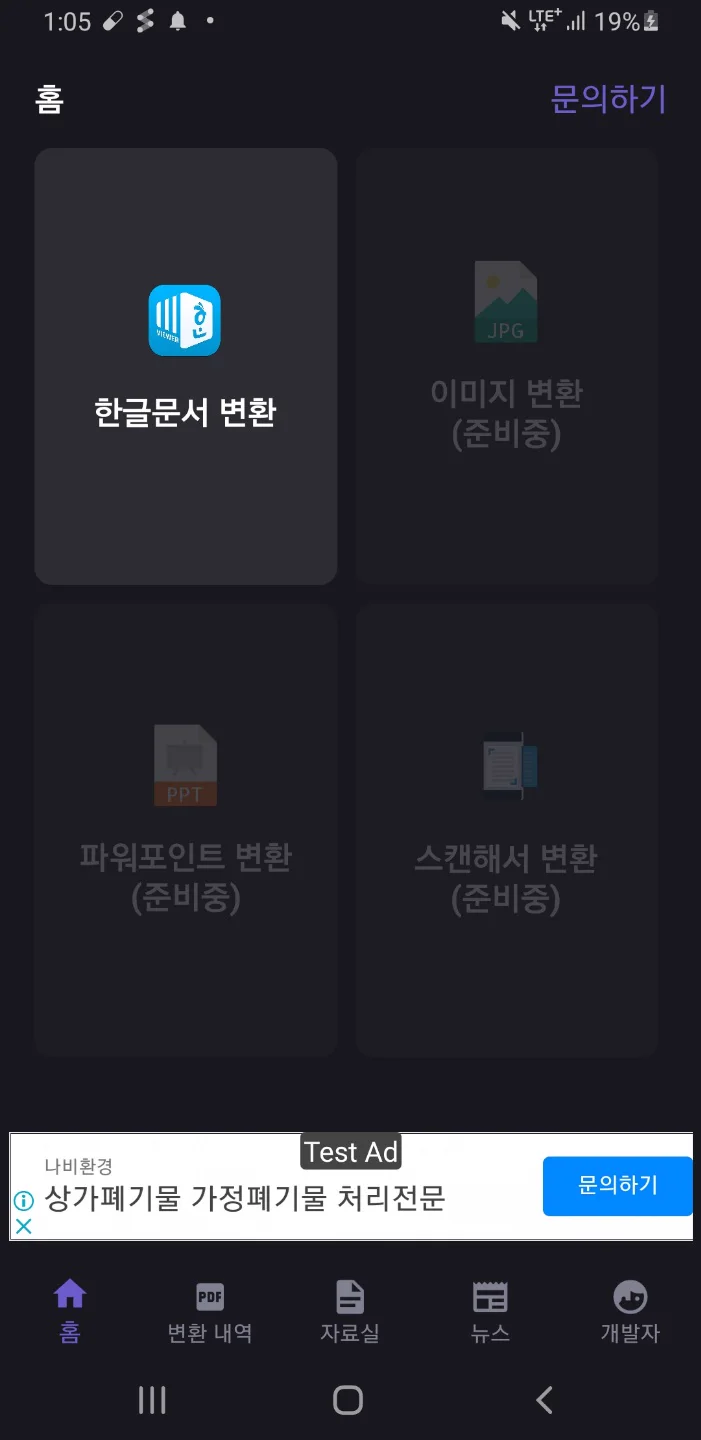
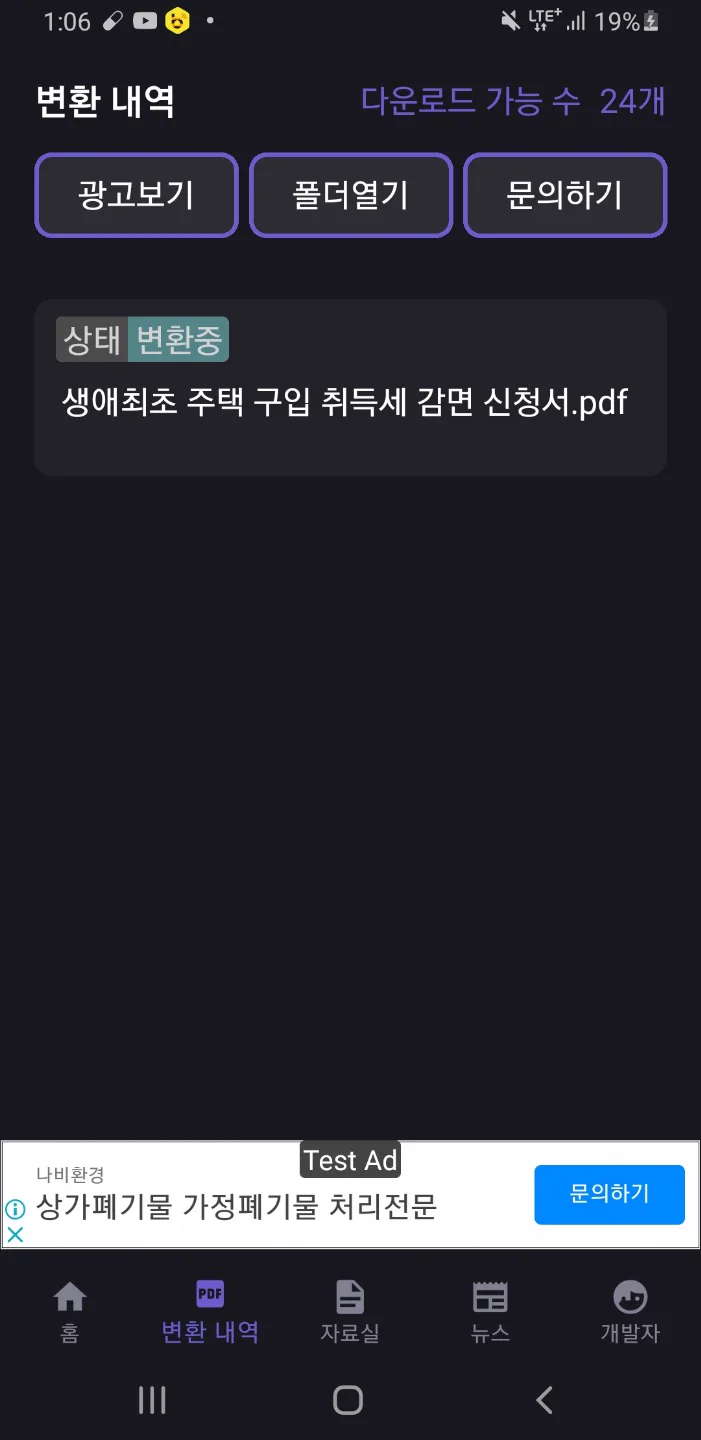
Actual app screens published on Google Play.
Getting started
Choose a Korean document
Open the app and select the HWP or HWPX file to convert.
Wait for upload and conversion
The selected document is uploaded and converted to PDF.
Check and save the PDF
Review the converted text and page layout, then download or share the PDF.
Before you install
- Developer
- Blackcow Soft
- Input formats
- HWP · HWPX
- Output format
- PDF download and sharing
- Office installation
- No Hancom Office installation required
- Access
- Free to install · ads and in-app purchases
- Published version
- 1.2.8
- Store update
Questions, answered
Can I convert HWPX files too?
Yes. Both HWP and HWPX Korean documents can be converted to PDF.
Do I need Hancom Office installed?
No. You can select and convert a document in the app without installing Hancom Office.
Will every document look exactly like the original?
Results can vary with document structure and environment. Review text, tables and page layout before submitting or sharing the PDF.
How long are converted files kept?
The store guidance states that converted files are deleted automatically after one hour and document contents are used only for conversion. Download the completed PDF if you need to keep it.
See if it fits your next project or play break.
Check Google Play for supported devices and the latest release availability.


